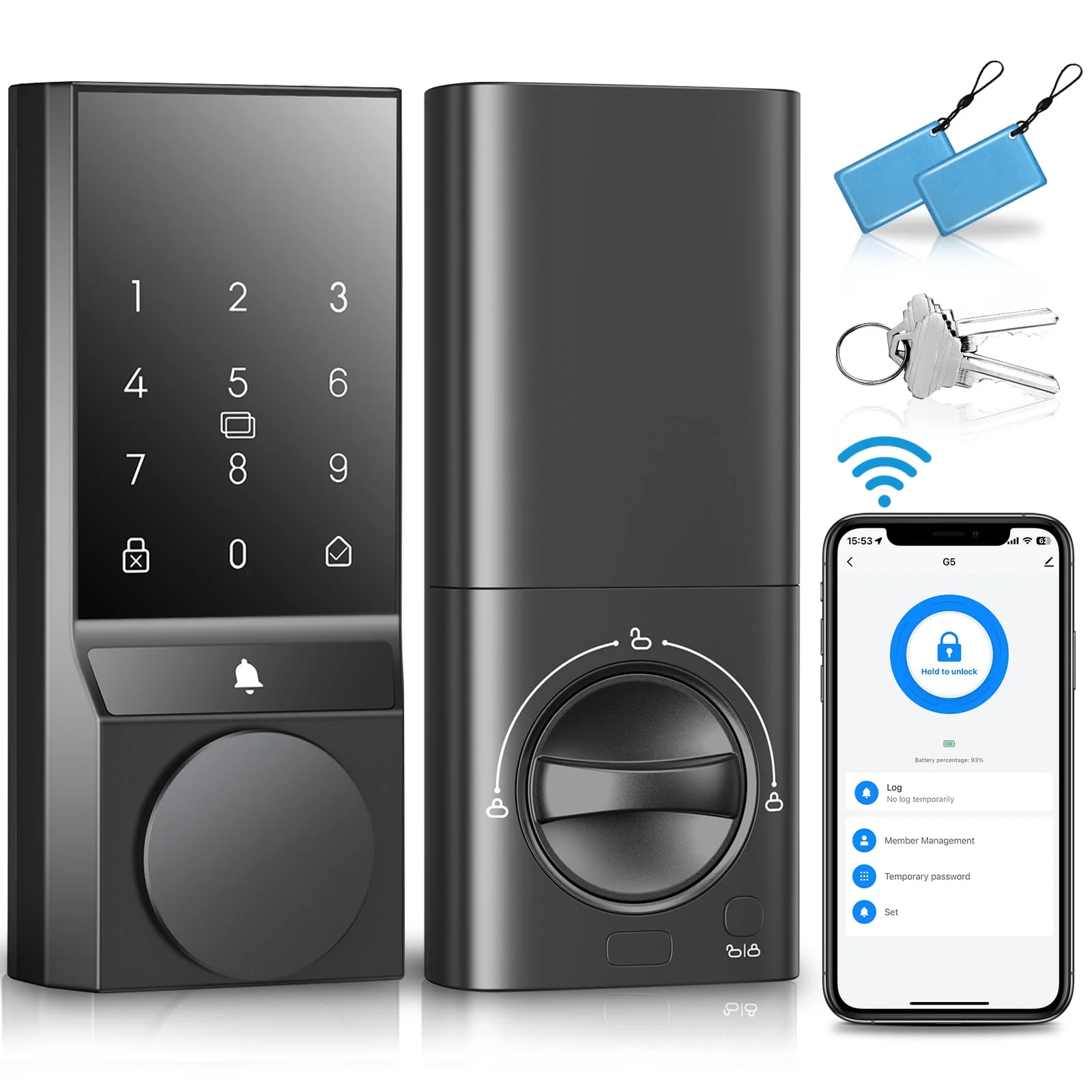
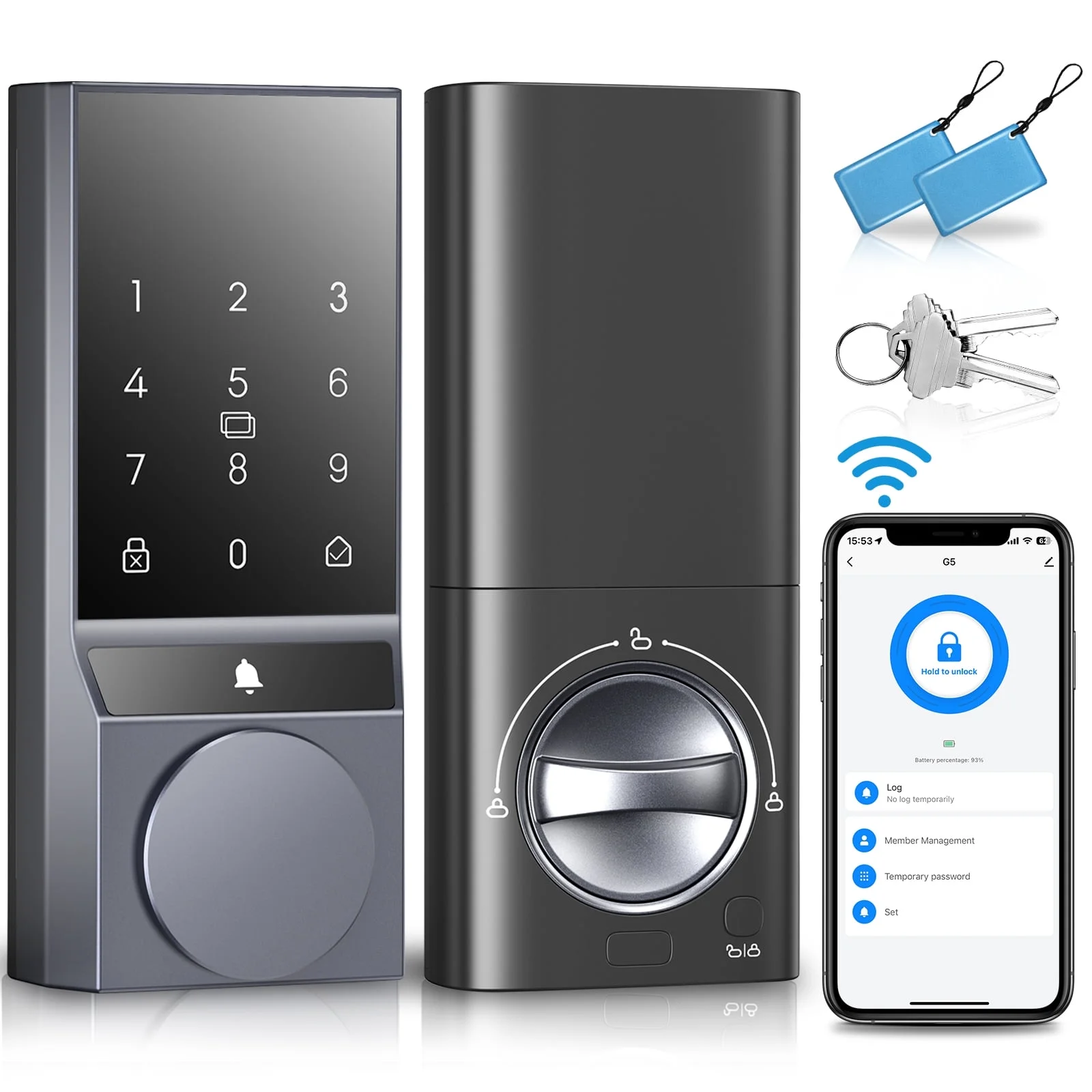
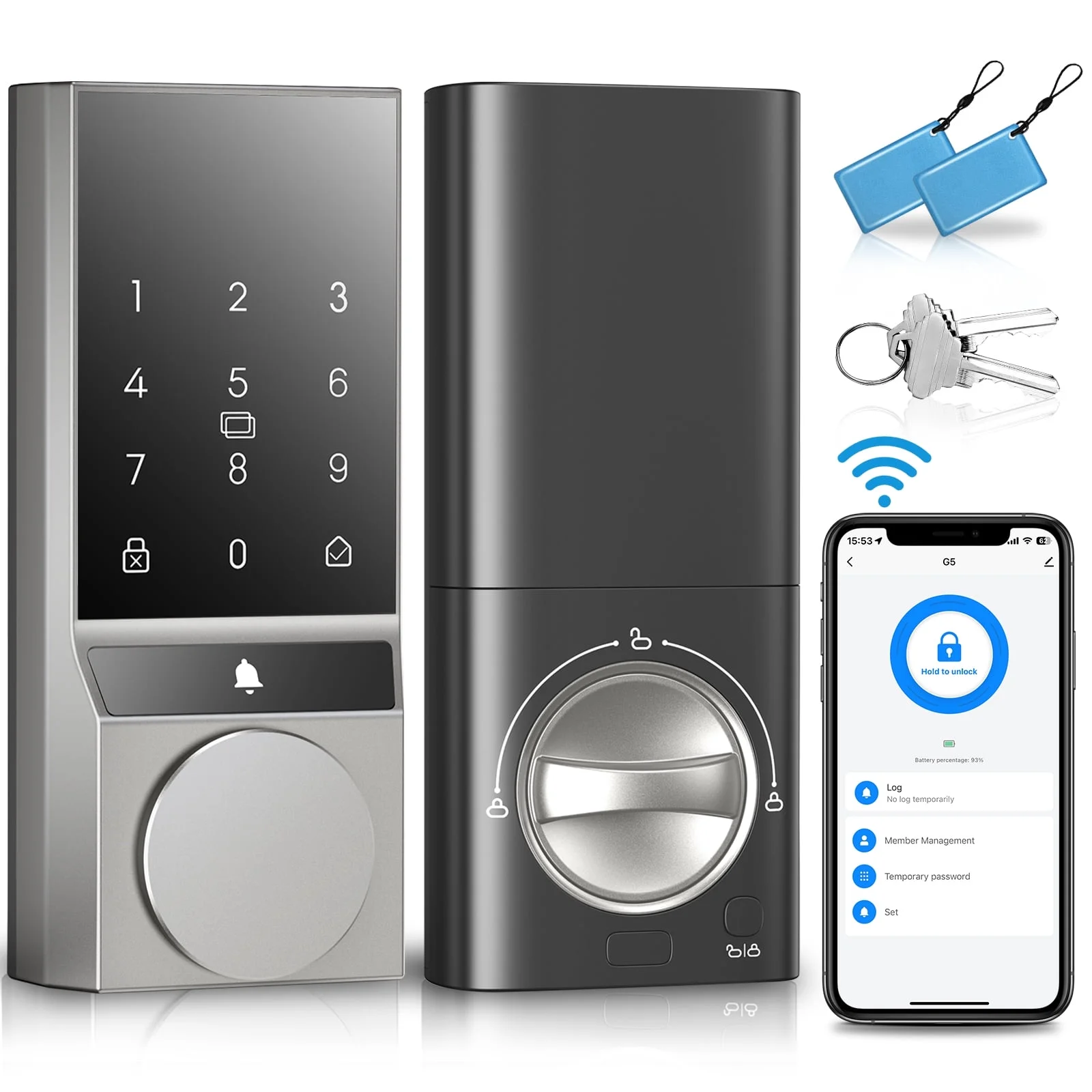
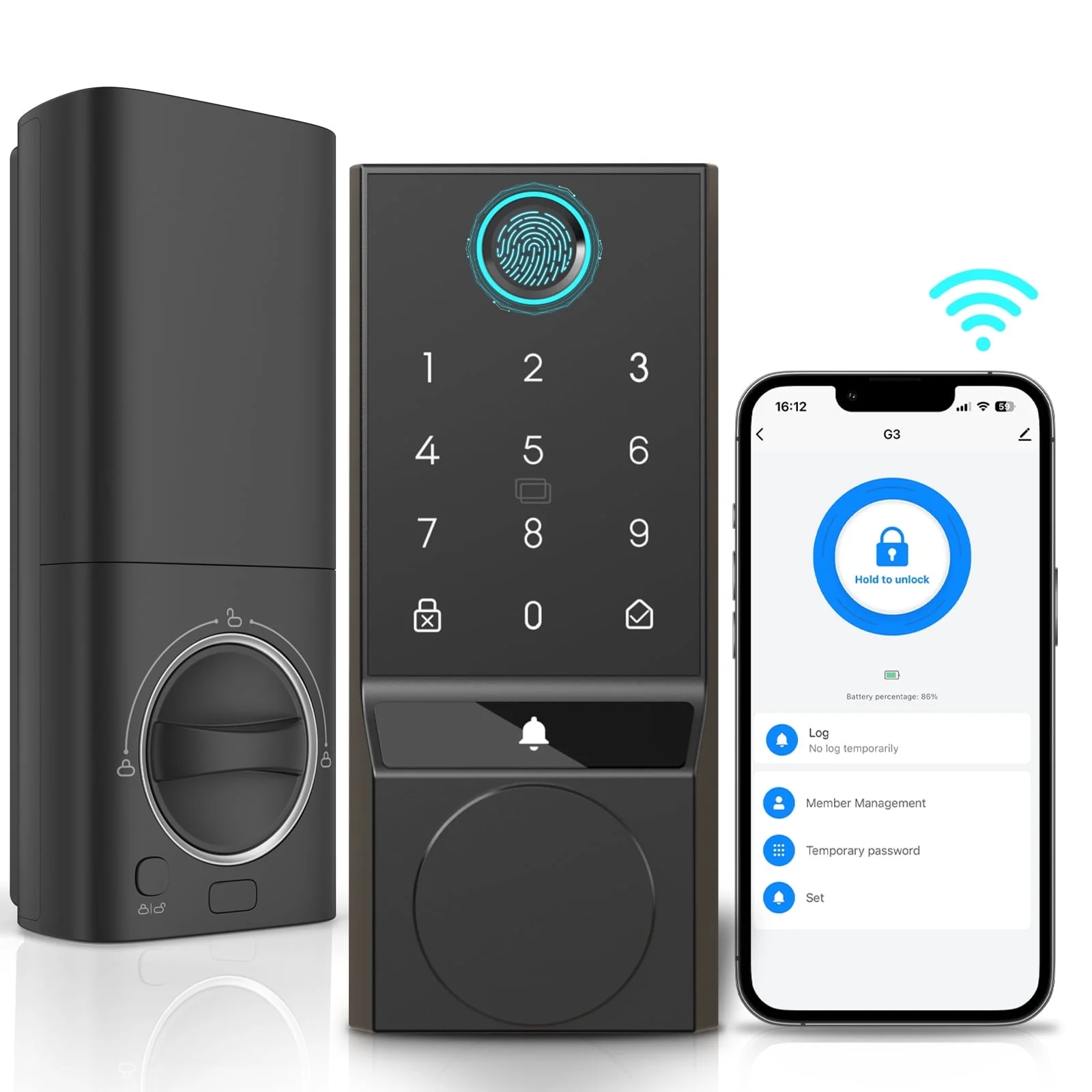
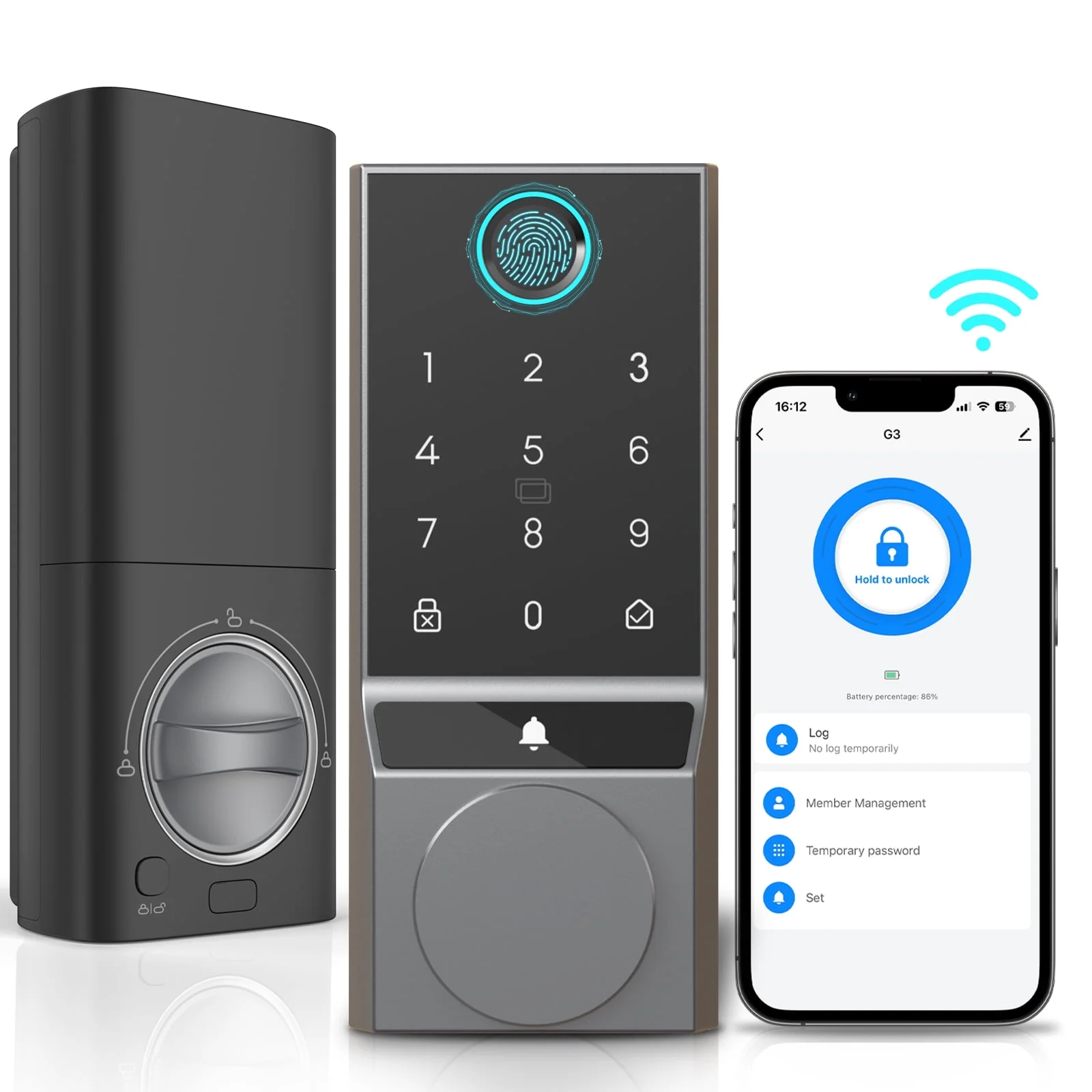
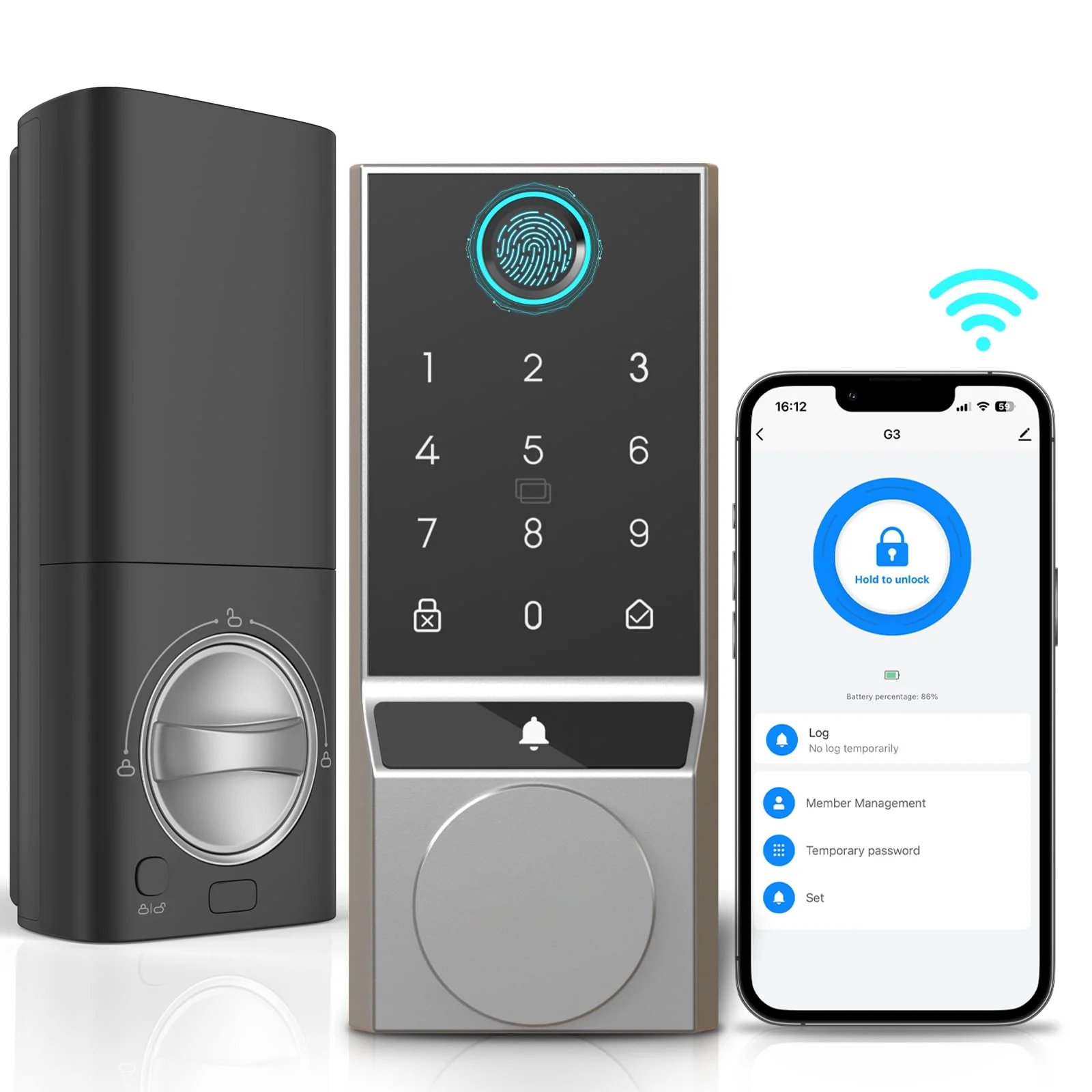
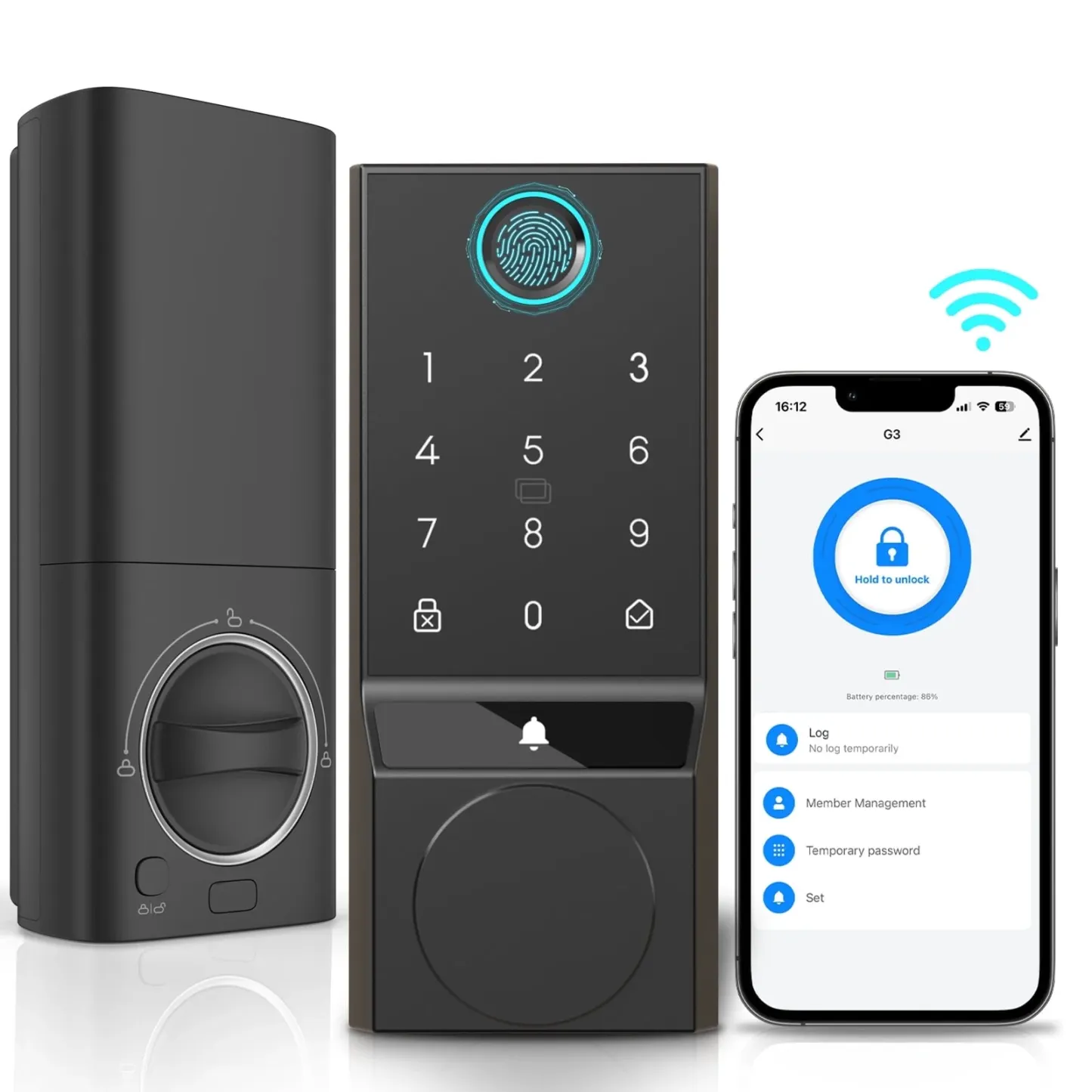
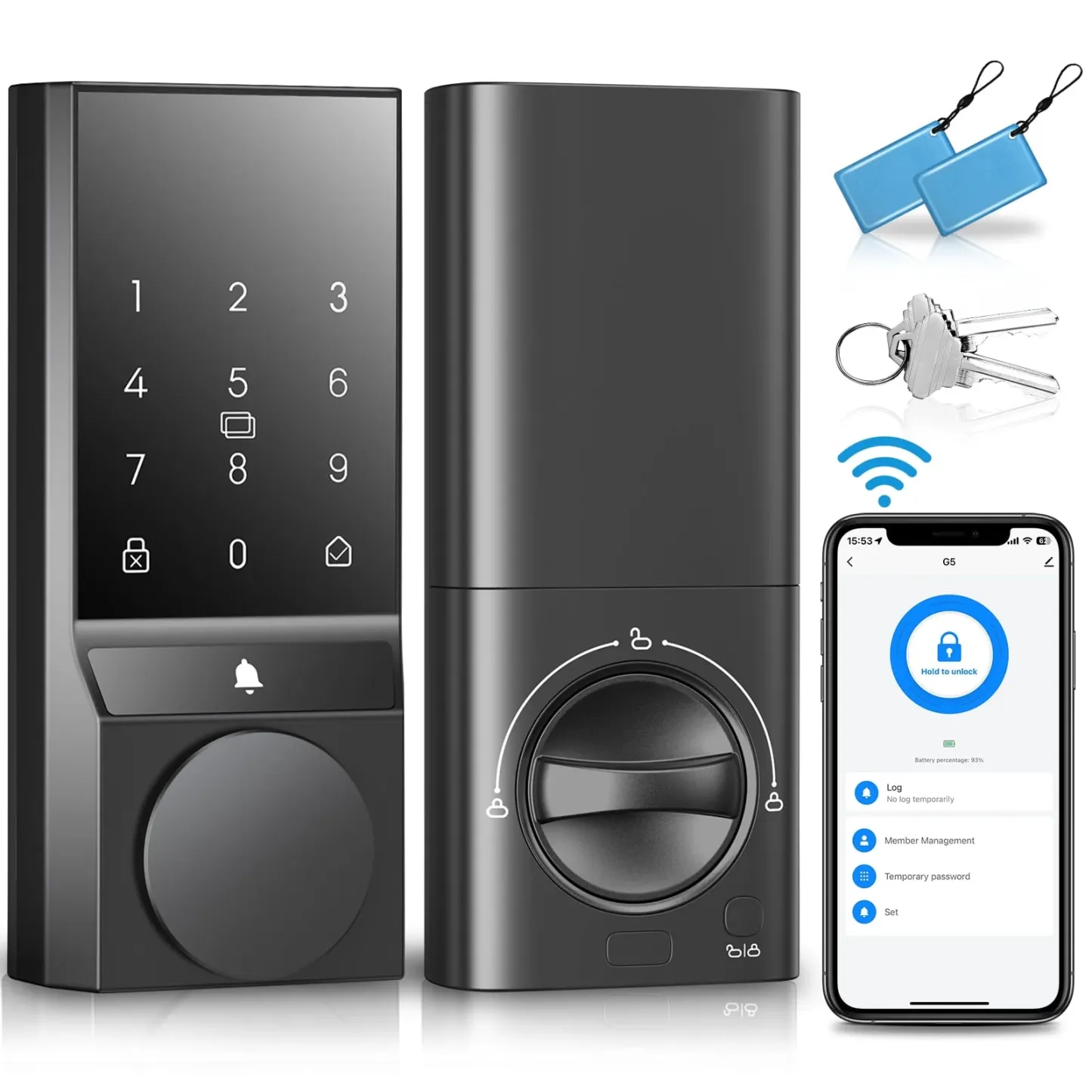
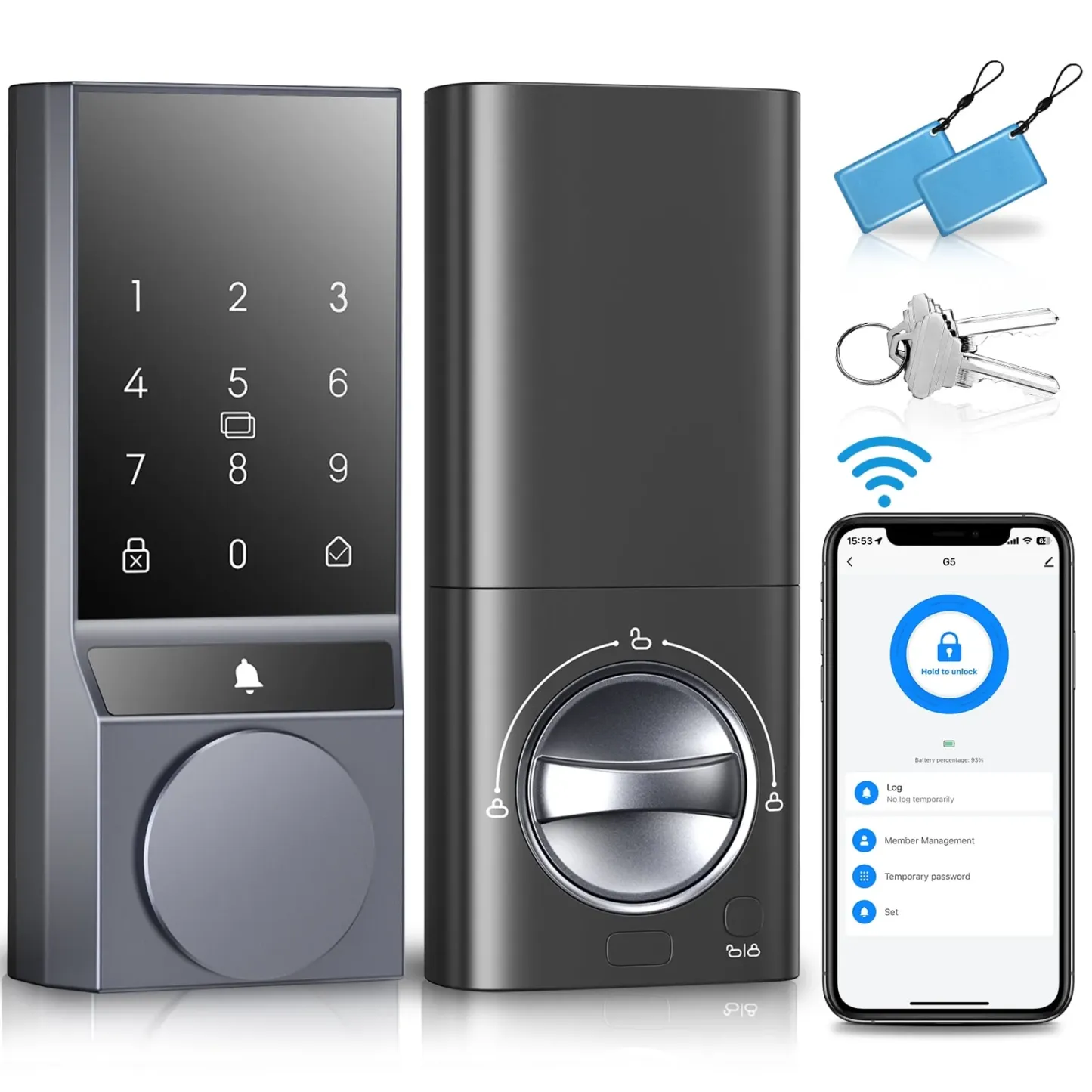
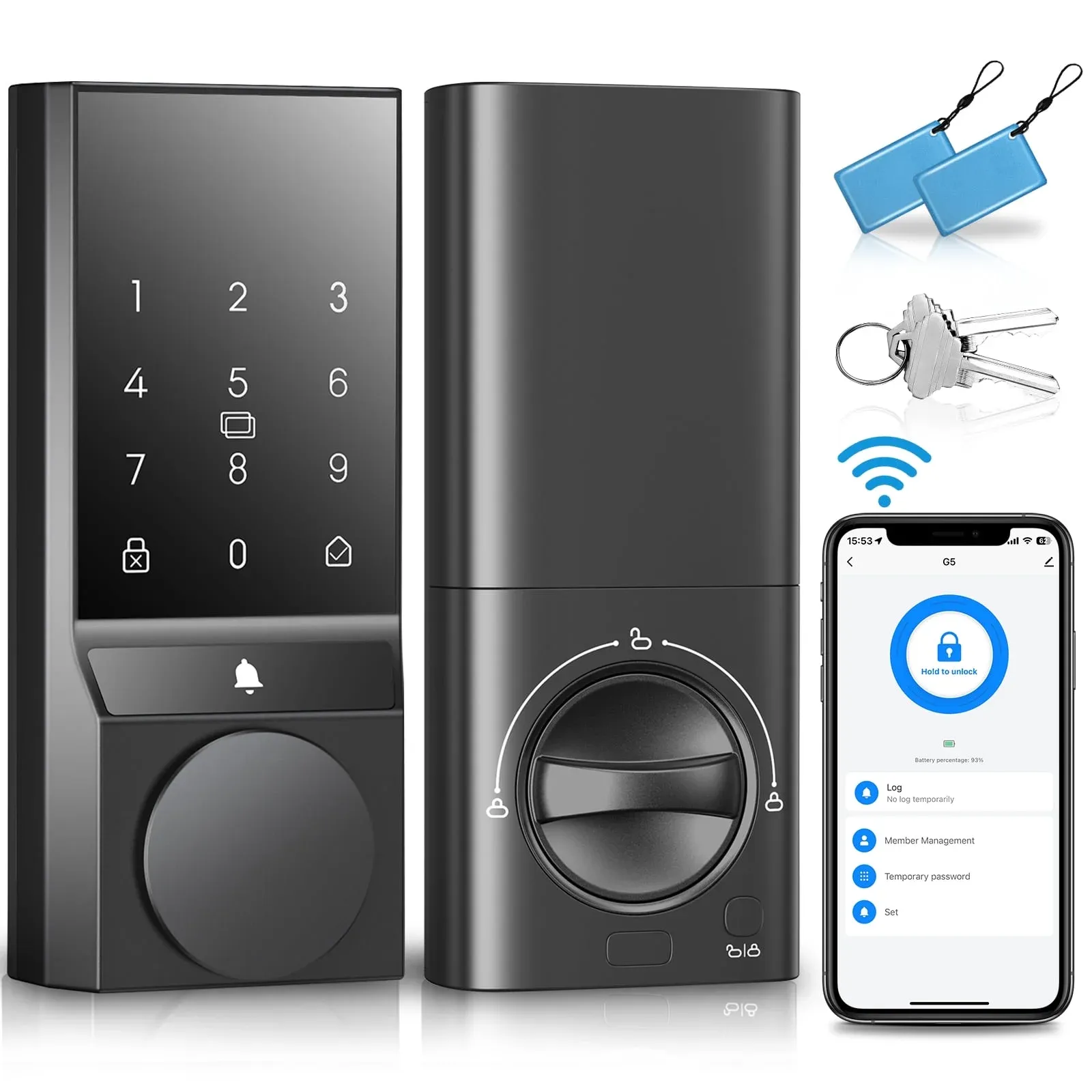
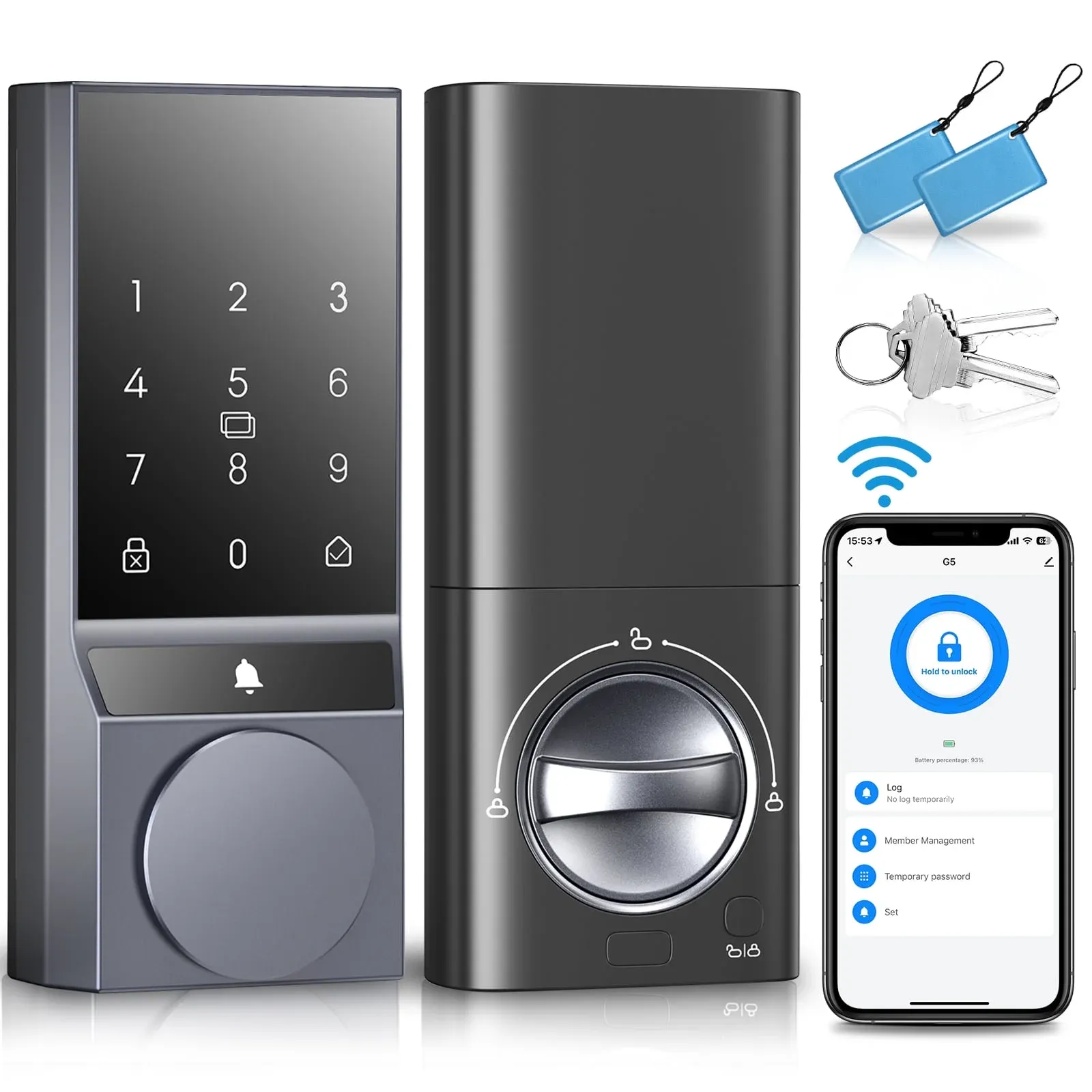
▶Multi-Function Integration:
The vedio smart lock integrates HD camera, doorbell and fingerprint door lock.The built-in HD camera allows you to clearly capture the real-time images and situations of users at the door. The two-way intercom function and night vision function allow you to communicate with visitors outside the door without obstacles anytime and anywhere.
▶Provide Security Protection:
This smart lock gives you multiple ways to unlock. Unlock it with your fingerprint, enter a code, use a key fobs,use a APP or use the mechanical key. It adapts to various life scenarios,so you can access your home in the way that works best for you. 100 fingerprint capacity, recognition takes only 0.25 seconds. The IP65 waterproof design ensures that it can work properly in all weather conditions. The automatic lock and temporary password functions add peace of mind to your life.
▶Convenient sharing:
With the one-time password feature, you can easily share access with family, friends, and even babysitters or pet sitters. Whether it’s for a one-time visit or regular access, the password function offers a secure way to share your home without the need for cumbersome key exchanges.
▶Built-in Wi-Fi:
No bridge required, you can control your wifi smart lock from anywhere via the SANOPY Security app. Easy setup. you can add your WIFI door lock to your routines and control devices together for keyless entry within the SANOPY Security app. Device users can connect to the home network, remotely control the smart deadbolt anytime and anywhere, remotely set the code and view the access log in real time.
▶Large-Capacity Rechargeable Battery:
Batteries need to be purchased, and we recommend more durable alkaline batteries rather than carbon batteries. The AA battery’s longevity ensures consistent performance for all your sharing needs.
▶Installation&After-Sales Support:
The fingerprint keyless entry door lock is BHMA GRADE 3 certified and has no monthly service fees. Compatible with US standard doors.Easy to install with just a screwdriver in 20 minutes. Users can enjoy a 12-month warranty and 24-hour after-sales email service for the ultimate service experience. SANOPY offers comprehensive customer support to assist you with any questions or issues you may have.
About this item
- Brand: SANOPY
- Color: Black/Gray/Silver
- Material: Aluminum
- Style : built-in HD camera
- Finish Type: Metallic
- Shape: Rectangular
- Control Method: Remote
- Manufacturer: SANOPY
- Item Weight: 3.53 pounds
- Item model number: G1
- Batteries: Built-in lithium battery.
- Finish: Metallic
- Batteries Included? : Yes
About SANOPY
Q: Why can't my lock connect to Wi-Fi?
A: Follow these 4 quick checks:
- Switch to 2.4GHz Wi-Fi: Routers often broadcast 5G/2.4G – your lock only pairs with 2.4G networks.
- App & Bluetooth prep: Download the Tuya Smart app, create an account, and enable phone Bluetooth.
- Lock setup mode: Wake the lock panel → press unlock key → enter admin code → follow voice prompts: Select "3" for Wi-Fi pairing → "1" to confirm. Listen for a "beep-beep" pairing tone.
- Add device in app: Tap "+" → scan → select your lock → choose 2.4G network → input password.
Q: Can I use my phone instead of the physical IC card to unlock the door?
A: Yes! Your included NFC-enabled IC card works with most smartphones:
- Bind your card to your phone: Open your phone’s NFC settings → hold the IC card against the back of your device → follow prompts to save it as a "digital key."
- No card needed: Just tap your phone to the lock’s NFC sensor ( to unlock.
Q: Why does my smart lock’s battery drain so quickly?
A: Your lock needs the right fuel! Use AA alkaline batteries (not carbon-zinc):
- Longer lifespan: Alkaline lasts 3-5x longer than carbon-zinc in high-drain devices like smart locks.
- Better performance: Maintains stable voltage for consistent operation (carbon-zinc drops power faster).
Q: The lock cover feels flimsy. Will it break?
A: No – use it correctly:
- Purpose: The cover protects the mechanical keyhole .
- Do NOT pull it unless using a physical key. After unlocking, turn the separate handle to open the door.
Q: Why no intruder alerts/video pop-ups?
A: Fix in 2 steps:
- Enable "Allow Notifications" for the Tuya app in phone settings.
- Check your Wi-Fi/Cellular strength – video streaming requires stable bandwidth (3+ Mbps).
Q: Can’t add admin users via the app
A: Resolve with 2 checks:
- Confirm Wi-Fi is working and the lock shows as "Online" in the Tuya app.
- Disable Hibernation Mode: Go to lock settings → turn off "Sleep Mode" → video monitoring now works (3-minute sessions).
Q: How to reset the default password?
A: Critical rules:
- Default admin (Code 001): Cannot be edited – hard reset required:
Hold the lock’s "Settings" button for 7s → press "Confirm".
- Other users: Delete via app: Menu → Delete → Choose by code/fingerprint/IC card.
Q: My lock isn’t latching properly
A: Diagnose in 3 steps:
- Test before install: Manually twist the latch spindle – movement should be smooth.
- Check wiring: Ensure cables don’t block the spindle or transmission belt.
- Trim the spindle: If it protrudes >25mm past the backplate, cut it with pliers.